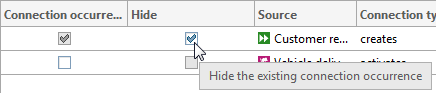
What tooltips are available when creating implicit connections?
The Create relationship dialog provides you with tooltips. These tell you what happens with each of the relationships when you exit the dialog by clicking OK.
If you move the mouse pointer to a check box, the following tooltips are offered:
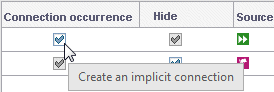
You move the mouse pointer to the Connection occurrence check box of a relationship,
which did not yet exist between the objects and
which you have activated.
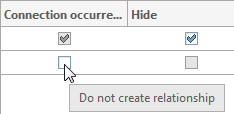
You move the mouse pointer to the Connection occurrence check box of a relationship,
which does not exist between the objects and
which you have not activated.
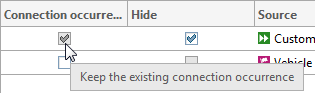
You move the mouse pointer to the Connection occurrence check box of a relationship,
which exists between the objects and
which is enabled.
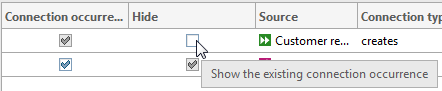
You move the mouse pointer to the Hide check box of a relationship,
which exists between the objects and
which you have deactivated.
You move the mouse pointer to the Hide check box of a relationship,
which exists between the objects and
which you have activated.