How to represent attribute formatting
If the model is just displayed (not in edit mode), you see a combination of:
the formatting of the occurrence of object attributes or model attributes,
the character formatting, and
the paragraph formatting.
When editing an attribute, the formatting is displayed at the definition, that is, paragraph and font formatting. This applies to:
the Attributes and Properties > Attributes dialogs,
the Properties > Attributes bar, and
editing parts of the text within the model (Rename or F2).
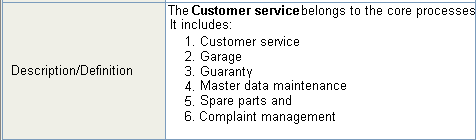
In attribute placement, the Description/Definition attribute is assigned a font format with these properties: Verdana, Standard, 9.
The text Customer service is formatted in bold.
The last six paragraphs are numbered and indented.
In the model, the attribute is represented as follows:
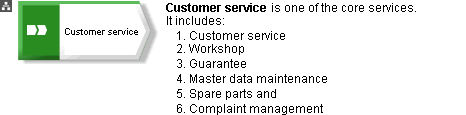
In the attribute table, this looks like this: